

ICD Peek
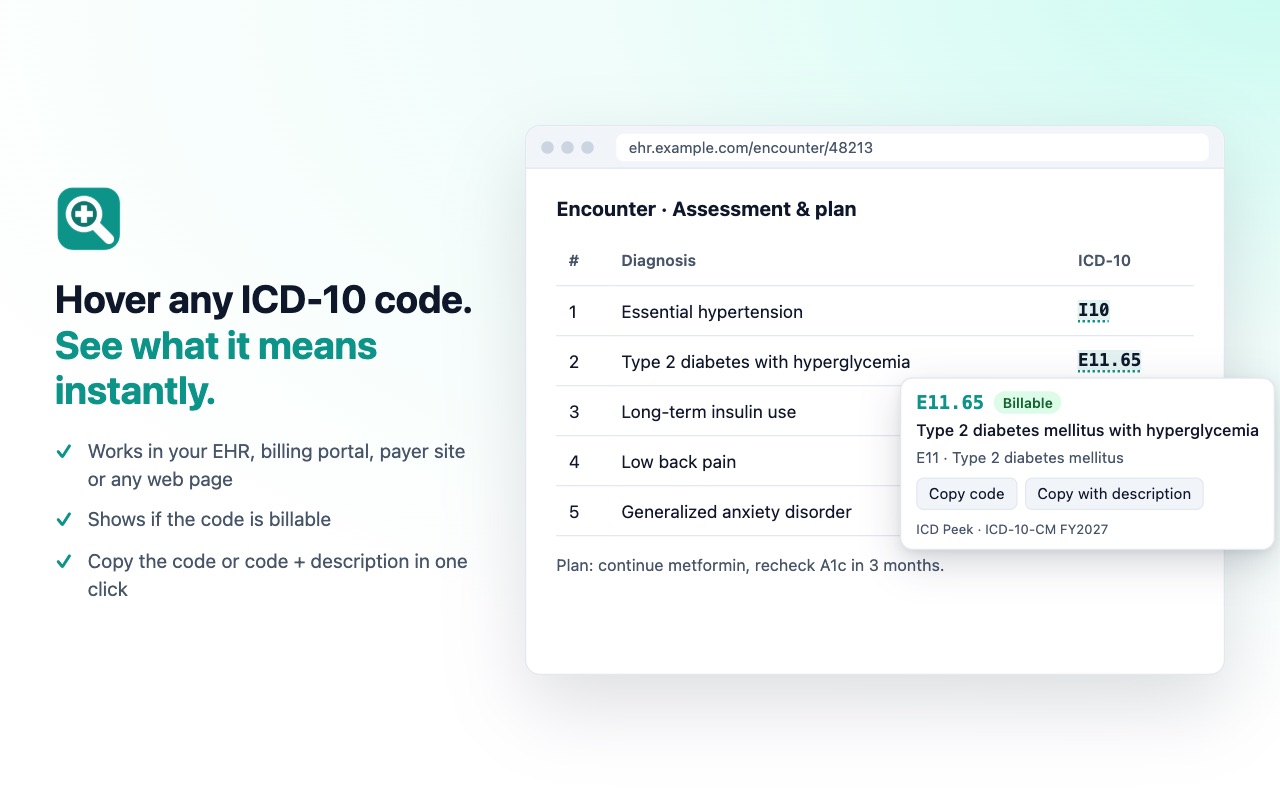
Hover any ICD-10-CM code to see its description and whether it's billable. FY2027 codes, works offline, no data leaves your browser.
Coming soon to the Chrome Web Store Privacy policy
What it does
ICD Peek shows the description and billable status of ICD-10-CM diagnosis codes. It does this when the user hovers a code on a web page, right-clicks a selected code, or searches in the toolbar popup. All lookups use a code list built into the extension.
Permissions it asks for
storagePermissionSaves the user's settings (underline codes, detect 3-character codes, sites where ICD Peek is turned off) and the list of recently copied codes, on the user's device.
contextMenusPermissionAdds "Look up ICD-10 code" to the right-click menu for selected text, so the user can look up a code they selected.
<all_urls>Runs on these pagesDiagnosis codes appear in many different web apps: EHRs, billing systems, clearinghouses and payer portals, each on its own domain, often on a hospital's or practice's own server. The content script must run on any page so that hovering a code shows its description there. It only reads the text under the mouse pointer and visible codes on the page, looks them up in the code list inside the extension, and never sends page content anywhere. Users can turn it off for any site from the toolbar popup.