

PurrPDF
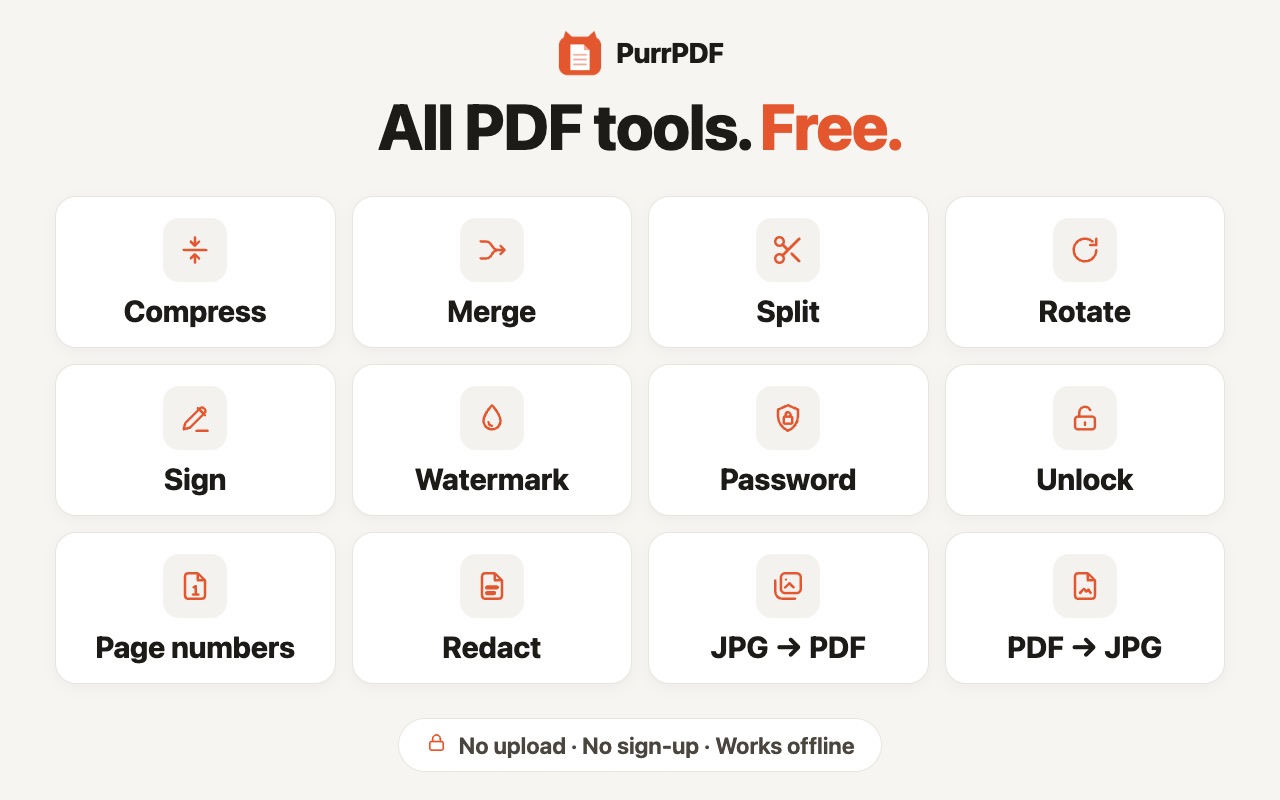
Compress PDF to any size, merge, split, sign, add page numbers, convert PDF to JPG and back. Free, offline, files never uploaded.
What it does
PurrPDF lets users edit and convert PDF files in the browser: compress, merge, split, reorder, rotate, sign, and convert between PDF and images. All processing happens locally on the user's device.
Permissions it asks for
contextMenusPermissionAdds "Open in PurrPDF" to the right-click menu on PDF links and open PDF pages, so users can send a PDF straight to the toolbox.
storagePermissionSaves the user's signature on their own device (only if they tick "Remember on this device"), so they don't have to draw it again. Nothing is synced or sent anywhere.
<all_urls>Optional site access, asked when neededOptional and never granted at install. When the user right-clicks a PDF link and chooses "Open in PurrPDF", the extension asks for access to that one website only, so it can read that PDF file. The file is then processed locally and is never uploaded.